Time calculators
Hours worked, time added, days between dates and countdowns, answered here.
On this page
Clock time and hours worked
Timers and stopwatches
Dates and countdowns
Time zones
Sun, Moon and sky time
One of a kind on CalculationTime
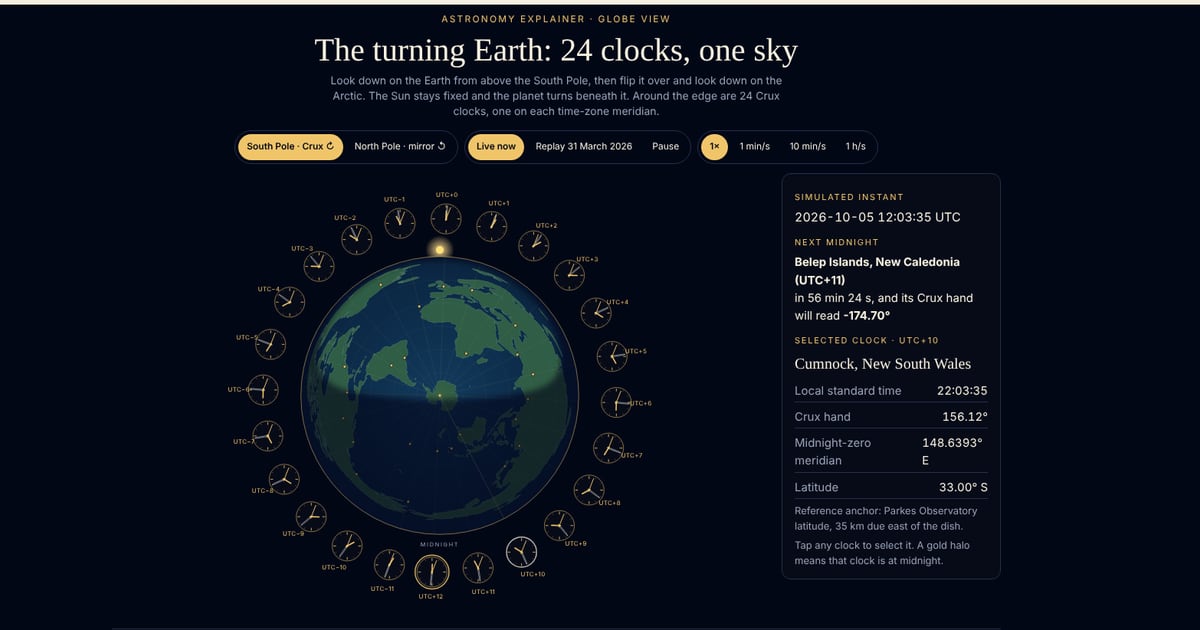 Earth ClocksWatch the Earth turn beneath the Sun, a clock on each of the 24 time zones.
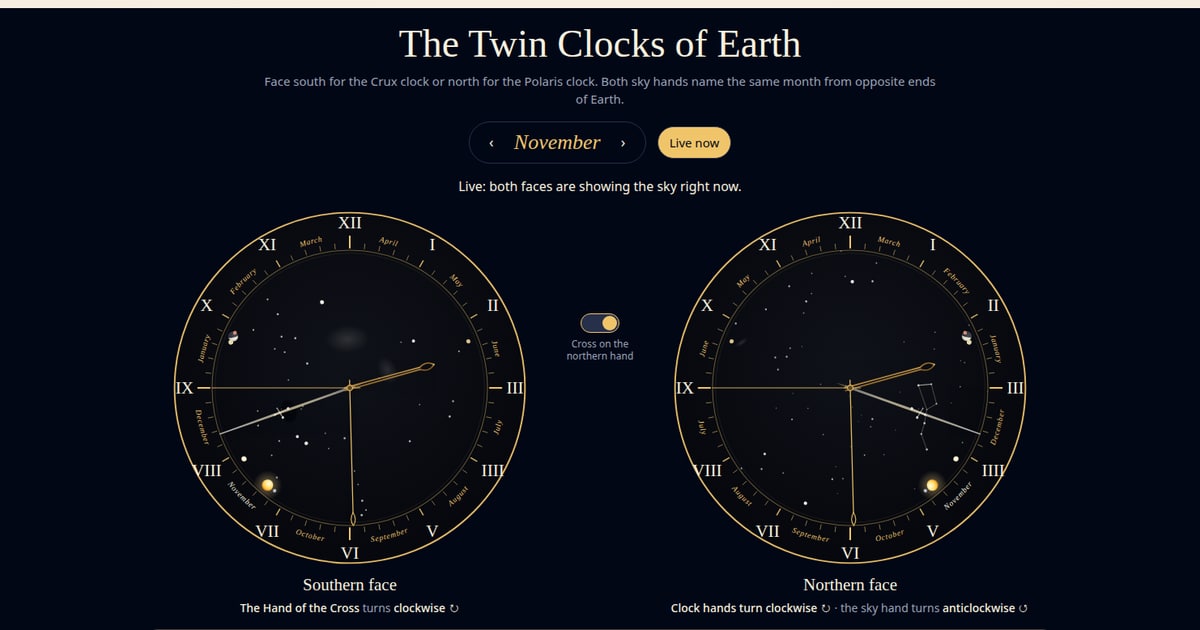 Twin Clocks of EarthThe same month from opposite ends of the Earth: Crux in the south, Polaris and the Big Dipper in the north.
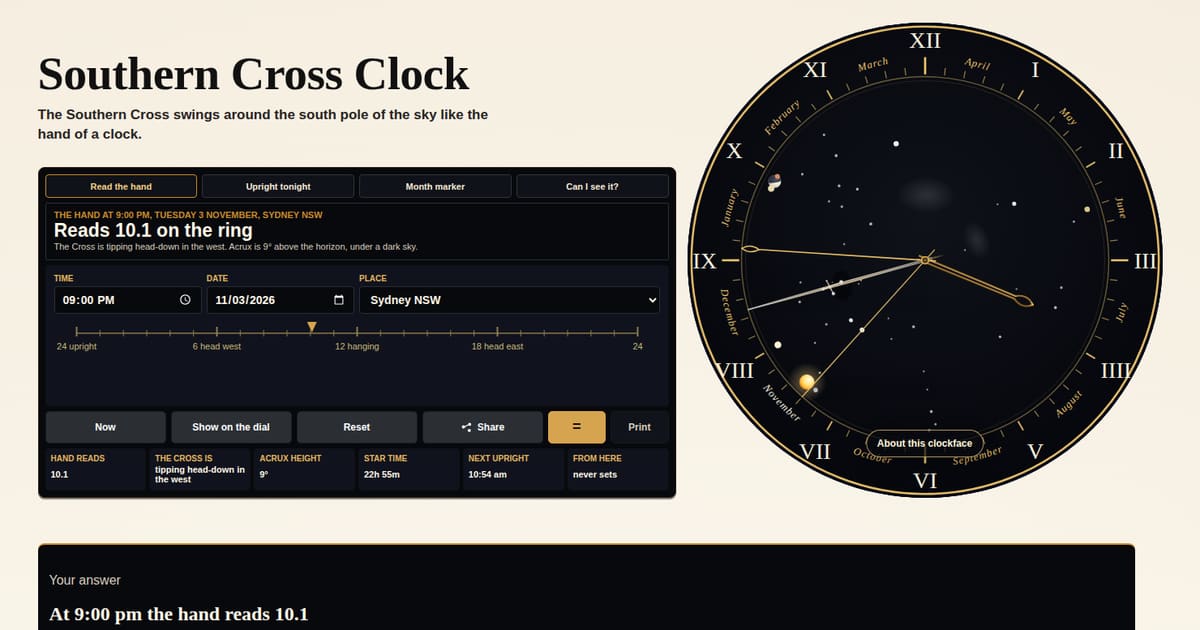 Southern Cross ClockRead the Southern Cross like a clock, and see where its hand points tonight.
The time desk
Hours between two times, time added or taken away, decimal hours, days between dates and a countdown.
Your answer
Your time, worked out
Pick what you want to work out and type your times or dates, and the answer appears here in plain words.
Four time sums that catch people out
Decimal hours are not minutes
7.75 hours is 7 hours 45 minutes, not 7 hours 75. Payroll usually wants the decimal and a roster wants hours and minutes. To turn the decimal part into minutes, multiply it by 60: 0.75 × 60 = 45. Going the other way, divide the minutes by 60: 20 minutes is 0.33 of an hour.
A night shift runs past midnight
22:00 to 06:00 is 8 hours, not minus 16. A finish time that is earlier than the start belongs to the next morning, and the duration calculator reads it that way.
Do you count the last day?
Monday to Friday is 4 days apart, but 5 days if both ends count, the way a leave form, a hire or a hotel stay often does. The days-between calculator gives you both numbers, so check which one your form asks for.
The clocks change, the hours don't
On the night the clocks go back, a 22:00 to 06:00 shift is really 9 hours long; on the night they go forward, it is 7. Sums done with clock times alone can't see this, so check the change dates where you work.
Adding time or measuring it?
Three tools sound alike and do different jobs. The Time Calculator adds lengths of time together: 3h 20m plus 45m is 4h 05m. Add or Subtract starts from a clock time: 9:40 plus 3h 20m is 13:00. The Duration calculator goes the other way, from two clock times to the length between them.