How do I use the stopwatch?
Press Start (or the space bar) to begin, Lap (or L) to mark a lap without stopping, and Stop to pause. Resume carries on from the same time; Reset clears it.
Start, lap and stop, to the hundredth of a second. Your laps, pace and a timing sheet to print.
Your time
Start, Stop and Lap are under the display. The space bar starts and stops; L takes a lap. It keeps going if you switch tabs, and picks up again if you reload in this browser.
The working
A lap time is the total at that lap minus the total at the lap before. The average lap is the total at the last lap ÷ the number of laps. Pace is time ÷ distance; speed is distance ÷ time.
Good to know
Questions
Press Start (or the space bar) to begin, Lap (or L) to mark a lap without stopping, and Stop to pause. Resume carries on from the same time; Reset clears it.
Yes. The time is worked out from the clock, not counted up, so it stays right in the background. If you reload in the same browser, a running stopwatch picks up where it was.
The clock behind it is accurate to a few thousandths of a second, so the limit is your thumb: starting and stopping by hand adds about 0.1 to 0.3 seconds each time.
Hours × 3600 + minutes × 60 + seconds + hundredths ÷ 100. A reading of 12:34.56 is 720 + 34 + 0.56 = 754.56 seconds; over 5 laps that is 150.912 seconds a lap.
A split is the total time when you pass a point; a lap is the time for that one lap. Splits of 1:31.20 and 3:01.05 mean a second lap of 1:29.85.
Divide the time by the distance. Five 400 m laps in 12:34.56 is 754.56 seconds for 2 km, so 377.28 seconds (6:17) per km, or 9.54 km/h.
Printout
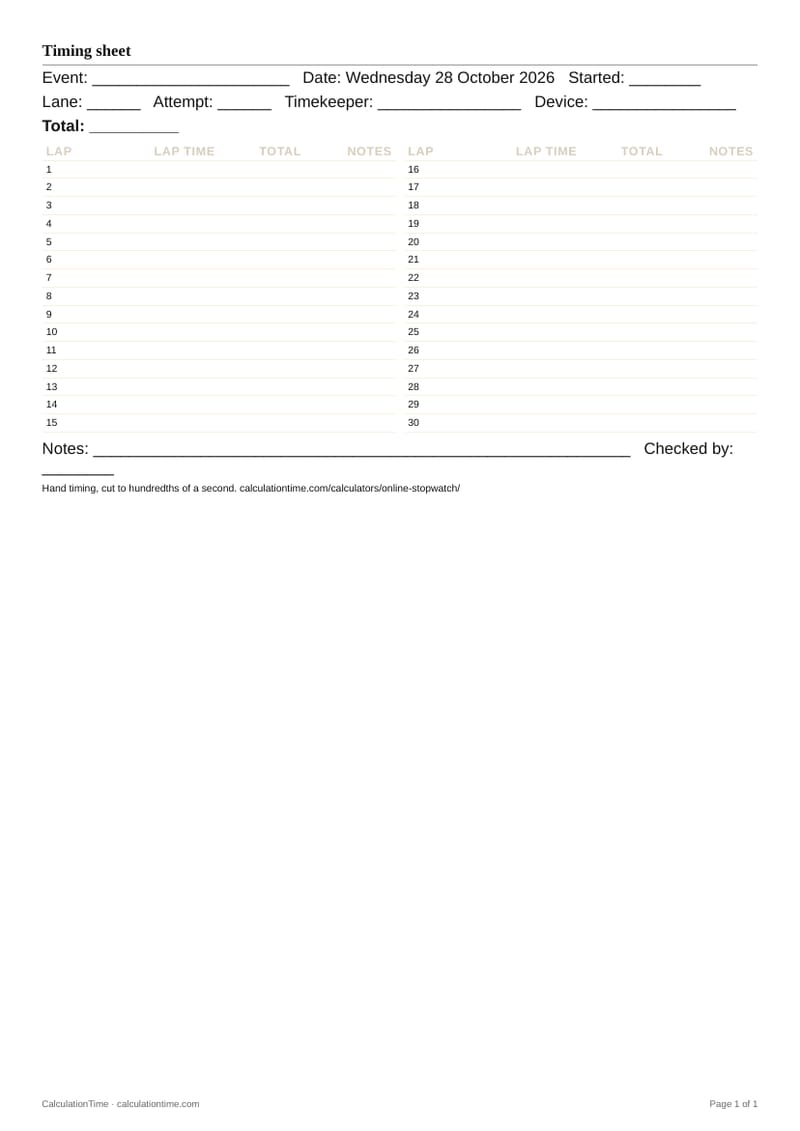
Your laps with totals, the fastest and slowest, and spare rows for event, lane, attempt, timekeeper, device and notes, for timing by hand.
For spreadsheets and code
hours, minutes, seconds, hundredths = 0, 12, 34, 56
laps = 5
elapsed = hours * 3600 + minutes * 60 + seconds + hundredths / 100
average = elapsed / laps if laps else 0
print(round(elapsed, 2), round(average, 3)) # 754.56 150.912Both print 754.56 seconds and the average lap for the reading.
Spreadsheet: a time typed as 0:12:34.56 in A1 becomes seconds with =A1*86400.
Event: ______________________ Date: Monday 2 November 2026 Started: ________
Lane: ______ Attempt: ______ Timekeeper: ________________ Device: ________________
Total: __________
| Lap | Lap time | Total | Notes |
|---|---|---|---|
| 1 | |||
| 2 | |||
| 3 | |||
| 4 | |||
| 5 | |||
| 6 | |||
| 7 | |||
| 8 | |||
| 9 | |||
| 10 | |||
| 11 | |||
| 12 | |||
| 13 | |||
| 14 | |||
| 15 |
| Lap | Lap time | Total | Notes |
|---|---|---|---|
| 16 | |||
| 17 | |||
| 18 | |||
| 19 | |||
| 20 | |||
| 21 | |||
| 22 | |||
| 23 | |||
| 24 | |||
| 25 | |||
| 26 | |||
| 27 | |||
| 28 | |||
| 29 | |||
| 30 |
Notes: ____________________________________________________________ Checked by: ________
Hand timing, cut to hundredths of a second. calculationtime.com/calculators/online-stopwatch/
Background
Stopwatches grew out of 19th-century chronographs, watches with a hand that could be started, stopped and sent back to zero, first made for astronomy and horse racing. Electronic timing replaced hand timing for official records because a thumb is slower than a light beam.
A general timing tool: not for official race results, safety alarms, medical timing or legal time records. It ignores leap seconds, like most clocks.
Sources
Printables
 Online StopwatchPin it