CalculationTime

Days Between Dates Calculator

Live math canvas

Your numbers, formula and explanation together

Days Between Dates Calculator: 4,098 days with weeks-and-days breakdown. Days Between Dates Calculator uses the declared inputs to produce a transparent default result. Start year: 2,026; Start month: 5; Start day: 18; End year: 2,026; primary comparison: 2,026 and 5.

Formula applied

The exact method behind this answer

CalculationTime keeps the method visible so the number can be checked instead of blindly trusted.

Elapsed days = end date − start date in UTC calendar days. Counted days = elapsed days + include start flag + include end flag. Whole weeks = floor(abs(counted days) ÷ 7). Remaining days = abs(counted days) mod 7.
  1. Apply the formulaElapsed days = end date − start date in UTC calendar days. Counted days = elapsed days + include start flag + include end flag. Whole weeks = floor(abs(counted days) ÷ 7). Remaining days = abs(counted days) mod 7.4,098 days with weeks-and-days breakdownDays Between Dates Calculator uses the declared inputs to produce a transparent default result. Start year: 2,026; Start month: 5; Start day: 18; End year: 2,026; primary comparison: 2,026 and 5.

Your live breakdown

Current inputs in the calculation

These values come from the controls above and update when the calculator changes.

Start year
2,026
Enter the year for the first date.
Start month
5
Enter the start month as a number from 1 to 12.
Start day
18
Enter the day of month for the first date.
End year
2,026
Enter the year for the second date.
End month
6
Enter the end month as a number from 1 to 12.
End day
17
Enter the day of month for the second date.
Include start date?
0 0=no, 1=yes
Use 1 when the first date should count as a full included day, such as a rental, leave, custody or classroom record.
Include end date?
0 0=no, 1=yes
Use 1 when the final date should count as a full included day. Leave at 0 for ordinary elapsed time between dates.

Resulting answer

4,098 days with weeks-and-days breakdown

Days Between Dates Calculator uses the declared inputs to produce a transparent default result. Start year: 2,026; Start month: 5; Start day: 18; End year: 2,026; primary comparison: 2,026 and 5.

Answer
4,098 days with weeks-and-days breakdown
Live support
Days Between Dates Calculator uses the declared inputs to produce a transparent default result. Start year: 2,026; Start month: 5; Start day: 18; End year: 2,026; primary comparison: 2,026 and 5.

Assumptions used

What this answer assumes

Best for project timelines, leave planning, booking records, custody schedules, rental periods, subscription checks and classroom worksheets where the counting rule must be visible.

  • Dates are interpreted as calendar dates, not local clock times, so daylight-saving time changes do not alter the day count.
  • The default result uses elapsed time between dates: the start date itself is not counted as a full day unless selected.
  • Inclusive start/end options are counting rules for records; they should match the policy, worksheet, booking, lease, leave or custody agreement being used.
  • The calculator reports the sign when the end date is before the start date, but the weeks-and-days breakdown is shown as an absolute span for readability.

Master’s Tip

How to use the result well

Master’s Tip: decide whether you need elapsed time or counted dates before printing the report. Payroll, rent, leave, school terms and custody schedules can use different inclusive-date rules even when the same two dates are entered.

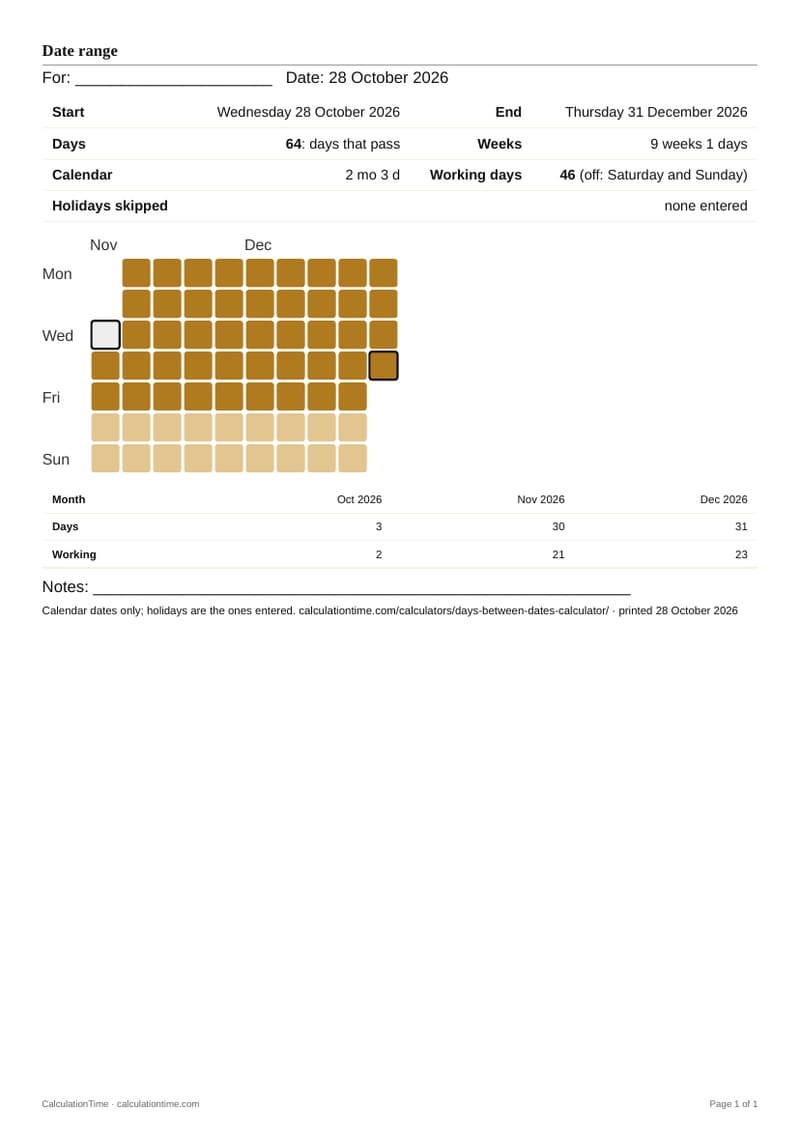
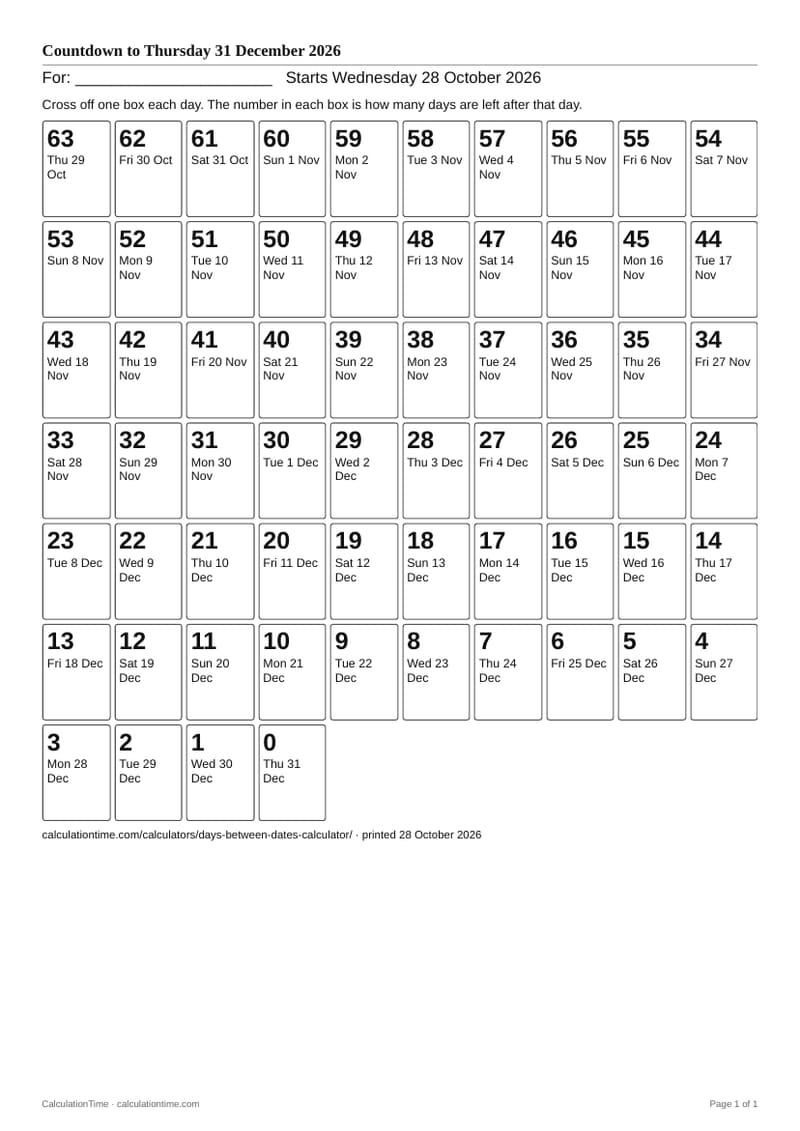
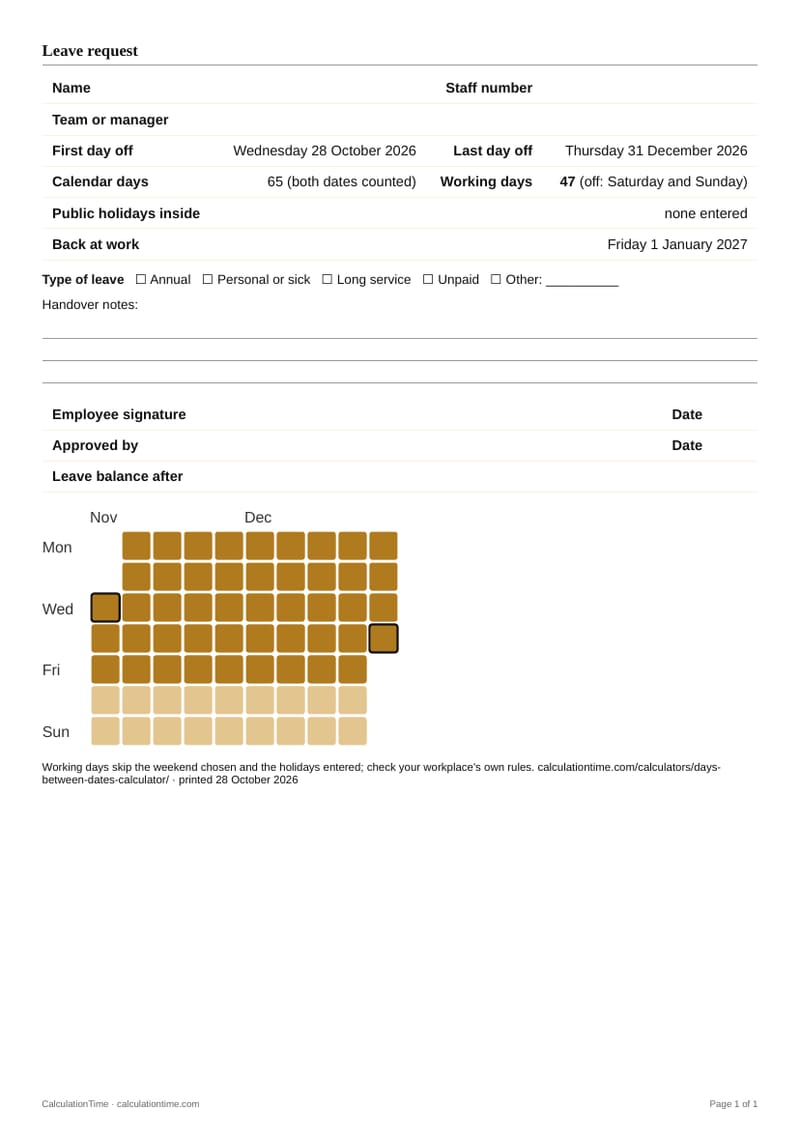
Printable record

What belongs in the saved calculation

Save the inputs, result, formula, assumptions, page URL and date together so the calculation can be reviewed later.

Start year
2,026
Enter the year for the first date.
Start month
5
Enter the start month as a number from 1 to 12.
Start day
18
Enter the day of month for the first date.
End year
2,026
Enter the year for the second date.

Embeddable calculator

Embed this calculator

Copy a clean iframe version with the required CalculationTime attribution link built in.

Explain it like I'm 12

This calculator counts how many calendar days sit between two dates. Think of the start date as the starting line and the end date as the finish line. If you turn on inclusive counting, you are choosing to count the named dates themselves, not just the space between them.

Why people use this calculator

  • School: check how many days are left until an exam, holiday or project deadline.
  • Work: measure project spans, leave periods, service windows and subscription timing.
  • Business: document rental periods, booking windows, invoice terms and delivery schedules.
  • Daily life: count days until birthdays, trips, appointments or family arrangements.

Common mistakes

  • Mixing elapsed days with inclusive days, then wondering why another source is off by one or two days.
  • Using this result for business-day deadlines even though weekends and public holidays are not removed.
  • Typing an impossible date such as 31 February without checking the corrected calendar date.
  • Forgetting that legal, school, payroll or tenancy rules may define their own endpoint-counting convention.

Citation sentence

CalculationTime defines days between dates as the UTC-midnight difference between two Gregorian calendar dates, with separate inclusive-start and inclusive-end controls so elapsed time and counted-date rules are not mixed.

Formula

Elapsed days = end date − start date in UTC calendar days. Counted days = elapsed days + include start flag + include end flag. Whole weeks = floor(abs(counted days) ÷ 7). Remaining days = abs(counted days) mod 7.

Worked example

From 18 May 2026 to 17 June 2026, elapsed days = 30. Whole weeks = floor(30 ÷ 7) = 4, with 2 days remaining. If both start and end dates are counted inclusively, counted days would be 32, or 4 weeks and 4 days.

Professional note

Master’s Tip: decide whether you need elapsed time or counted dates before printing the report. Payroll, rent, leave, school terms and custody schedules can use different inclusive-date rules even when the same two dates are entered.

Regional and unit assumptions

Standard or basis: proleptic Gregorian calendar date arithmetic using UTC midnight boundaries. This page is a general calculator, not a legal, payroll, tenancy, benefits or court deadline interpretation.

Assumptions and limitations

Methodology & Accuracy

How this calculator is checked

CalculationTime pages are built around visible arithmetic: the formula, assumptions, worked example and practical limitations are shown so the result can be checked rather than simply trusted.

Formula used

Elapsed days = end date − start date in UTC calendar days. Counted days = elapsed days + include start flag + include end flag. Whole weeks = floor(abs(counted days) ÷ 7). Remaining days = abs(counted days) mod 7.

Standard or basis

Standard or basis: proleptic Gregorian calendar date arithmetic using UTC midnight boundaries. This page is a general calculator, not a legal, payroll, tenancy, benefits or court deadline interpretation.

Where a calculator follows a named legal, trade or industry standard, that standard is cited visibly. Otherwise the page uses transparent general arithmetic and states its limits.

Master's Tip

Master’s Tip: decide whether you need elapsed time or counted dates before printing the report. Payroll, rent, leave, school terms and custody schedules can use different inclusive-date rules even when the same two dates are entered.

Questions

How do I calculate days between two dates?

Subtract the start date from the end date using calendar-day boundaries. The calculator uses UTC midnight for both dates, then reports the elapsed days.

Should I include the start date when counting days?

For elapsed time, do not count the start date as a full day. For records such as rentals, leave, custody, school attendance or worksheets, use the inclusive option only if that rule is required.

What is the difference between elapsed days and inclusive days?

Elapsed days measure the time from one date boundary to another. Inclusive days count named dates touched by the period, which can add the start date, the end date, or both depending on the rule.

Does daylight saving time affect days between dates?

No for this calculator. It compares calendar dates at UTC midnight, so daylight-saving clock changes do not add or remove calendar days.

What should I print for a date-span record?

Print the start date, end date, inclusive-counting choices, elapsed days, counted days, weeks-and-days breakdown, formula, page date and notes so the counting basis can be checked later.

Calculation note

Date-span questions look simple until people mix elapsed time with inclusive date counting. A transparent days-between-dates record keeps the start date, end date, day count and counting rule together so the result can be checked instead of argued later.

Elapsed time and counted dates are not the same thing

If a project starts Monday and ends Wednesday, the elapsed span is two days. A form or worksheet might count Monday, Tuesday and Wednesday as three included dates. Both can be valid if the counting rule is named.

UTC midnight keeps date-only arithmetic stable

Local daylight-saving changes can make a clock day 23 or 25 hours long. This calculator compares date boundaries at UTC midnight so the answer remains a whole calendar-day count.

Printed date-span records prevent rule drift

The same dates can appear in a classroom worksheet, rent note, leave plan, payroll memo or family schedule. Printing the inclusive-date choice beside the result makes the counting basis explicit.